

Overview
In Rapida, projects are the cornerstone of organization. Each project serves as a container for various resources and activities. An organization can have multiple projects, each with its own set of permissions and collaborators.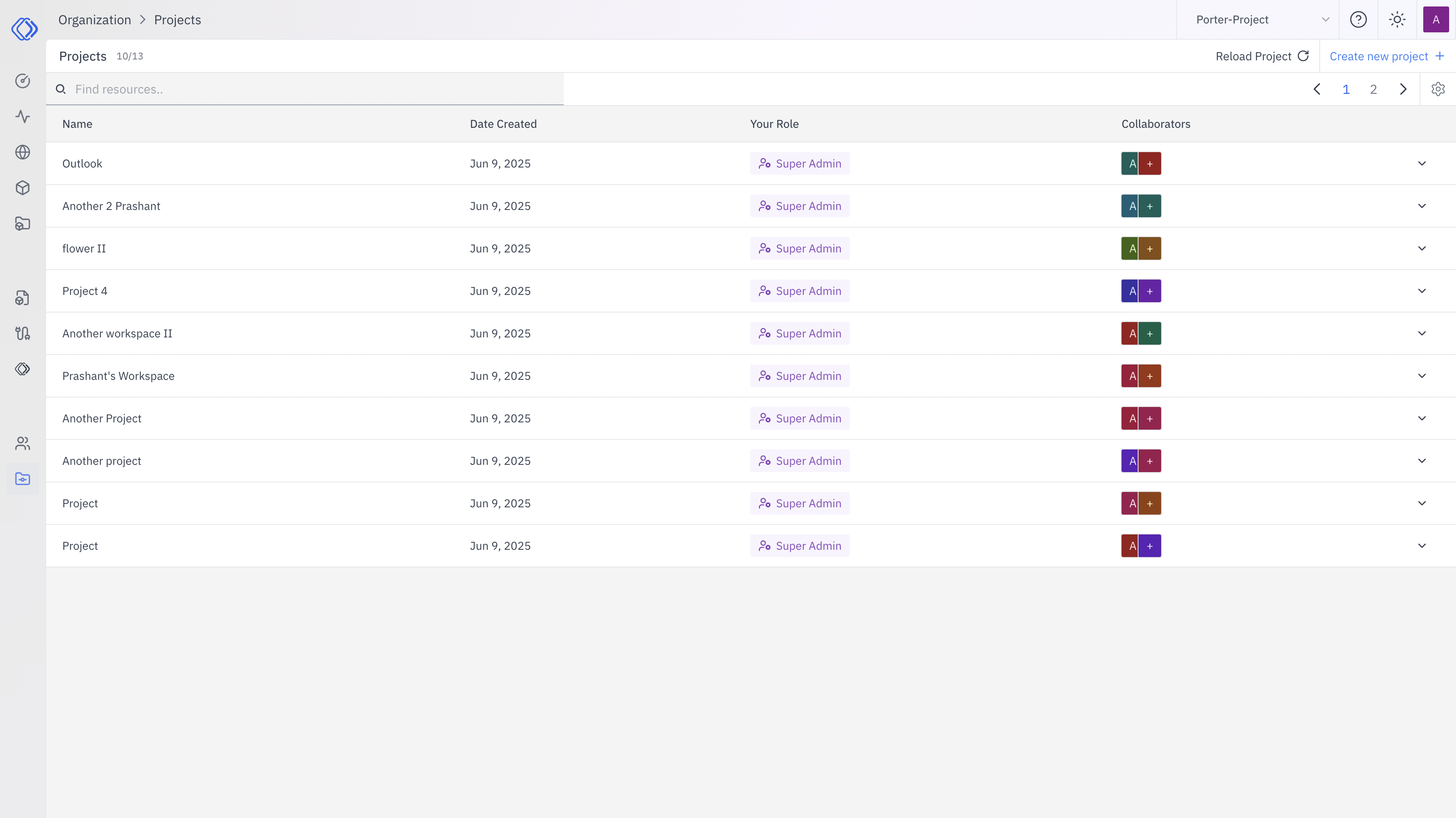
- Name: Unique identifier for each project
- Date Created: Project creation date
- Your Role: Your specific role within each project
- Collaborators: Visual representation of team members involved
Project Structure
Each project in Rapida can contain:- Assistants: AI helpers tailored to project needs
- Logs: Activity records specific to the project
- Endpoints: Project-specific API endpoints
- Knowledge: Dedicated information repositories
Project Permissions
Permissions in Rapida are project-based, allowing for granular access control:- Super Admin: Full access and control over the project
- Admin: Manage project resources and collaborators
- Member: Contribute to and use project resources
- Viewer: Read-only access to project data
Key Points:
- Permissions are set at the project level, not organization-wide
- A user can have different roles in different projects
- Organization admins can manage projects but don’t automatically have access to all project data
Managing Multiple Projects
Organizations in Rapida can host multiple projects:- Each project is isolated from others
- Resources and permissions don’t overlap between projects
- Users can be part of multiple projects with varying roles
Best Practices
- Clearly define project scopes to avoid overlap
- Regularly review and update project permissions
- Use descriptive project names for easy identification
- Leverage project-specific resources for targeted workflows