

Key Components
- Projects: The core units of organization in Rapida.
- User Management: Control access and roles across your organization.
- Collaboration: Invite and manage team members within projects.
Navigating Your Workspace
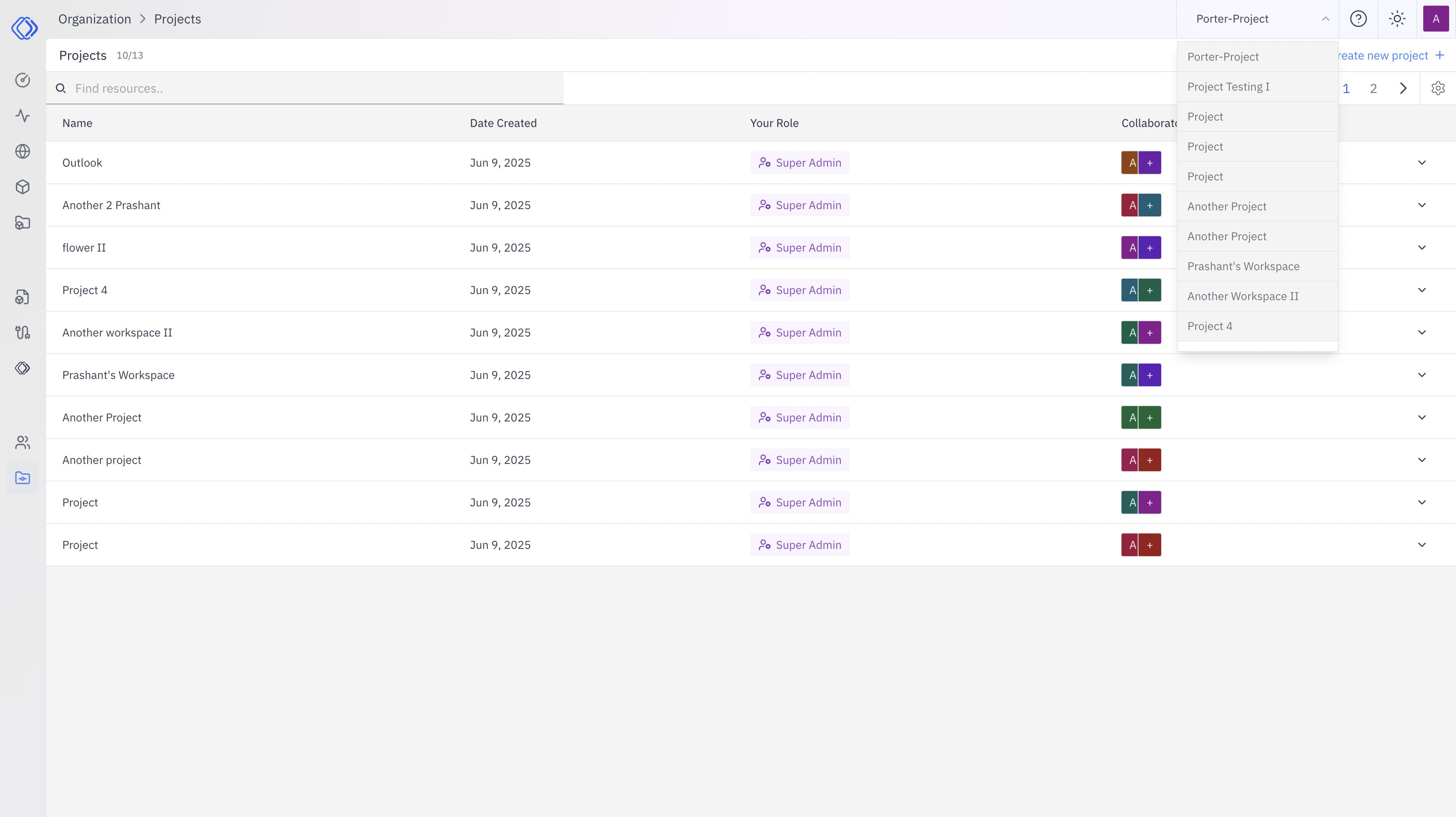
- Project Switching: Use the dropdown menu to switch between projects you have access to.
- Role Visibility: Your role in each project is displayed, affecting your permissions.
- User Interface: The interface updates to show project-specific resources and options when you switch.
Quick Links
Best Practices
- Regularly review project and user permissions
- Use clear, descriptive names for projects and users
- Implement a consistent onboarding process for new team members
- Periodically audit workspace usage and access